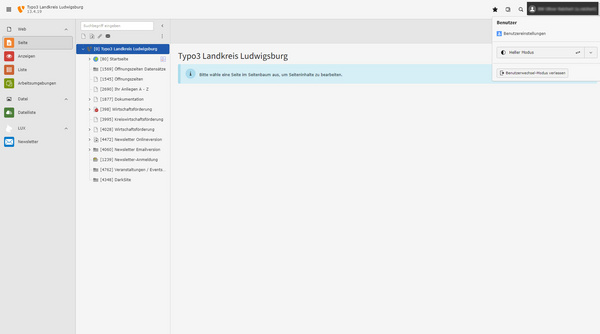
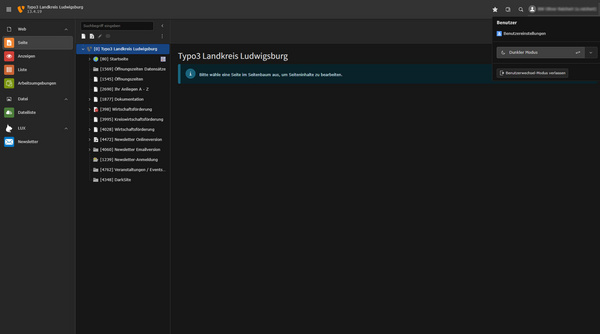
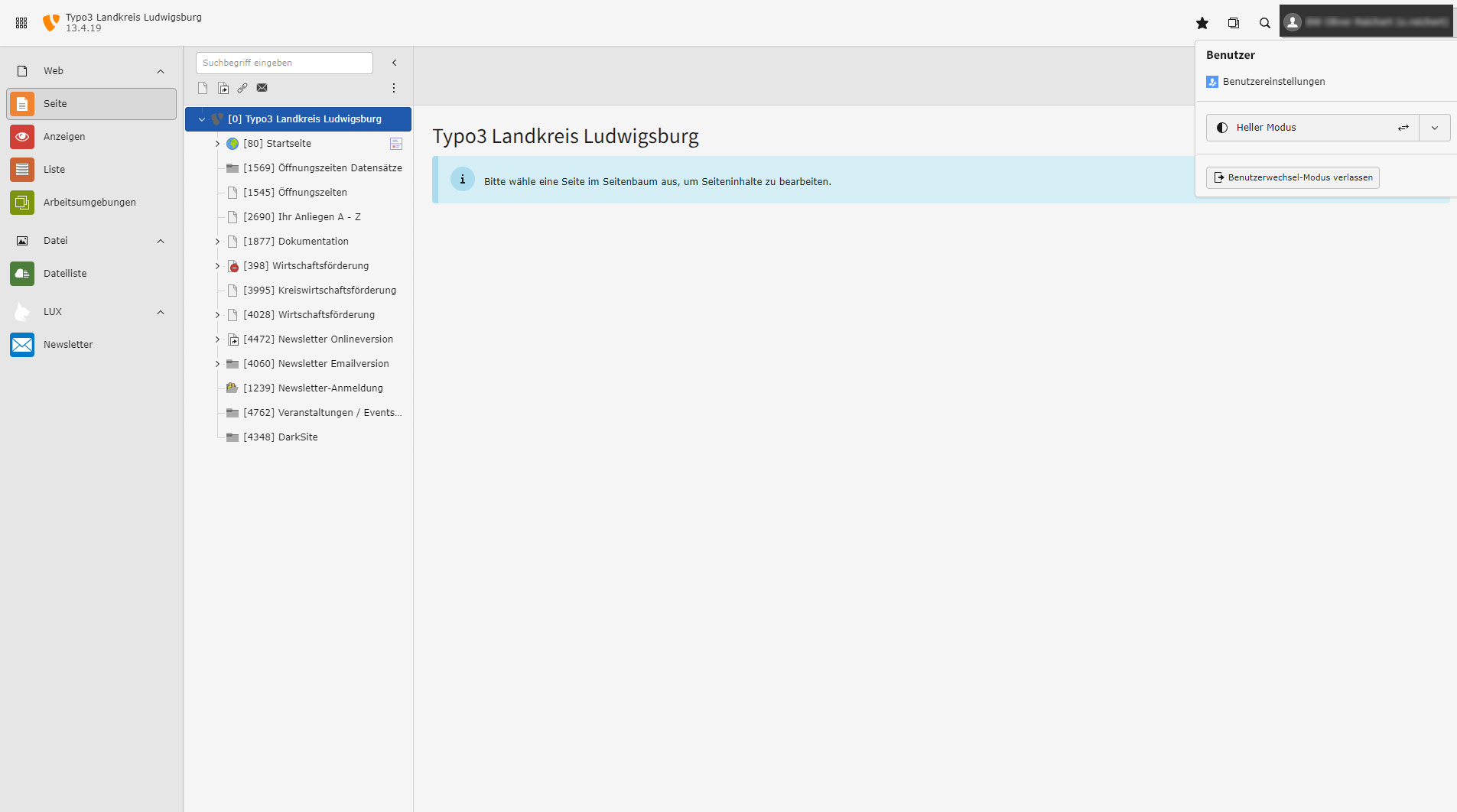
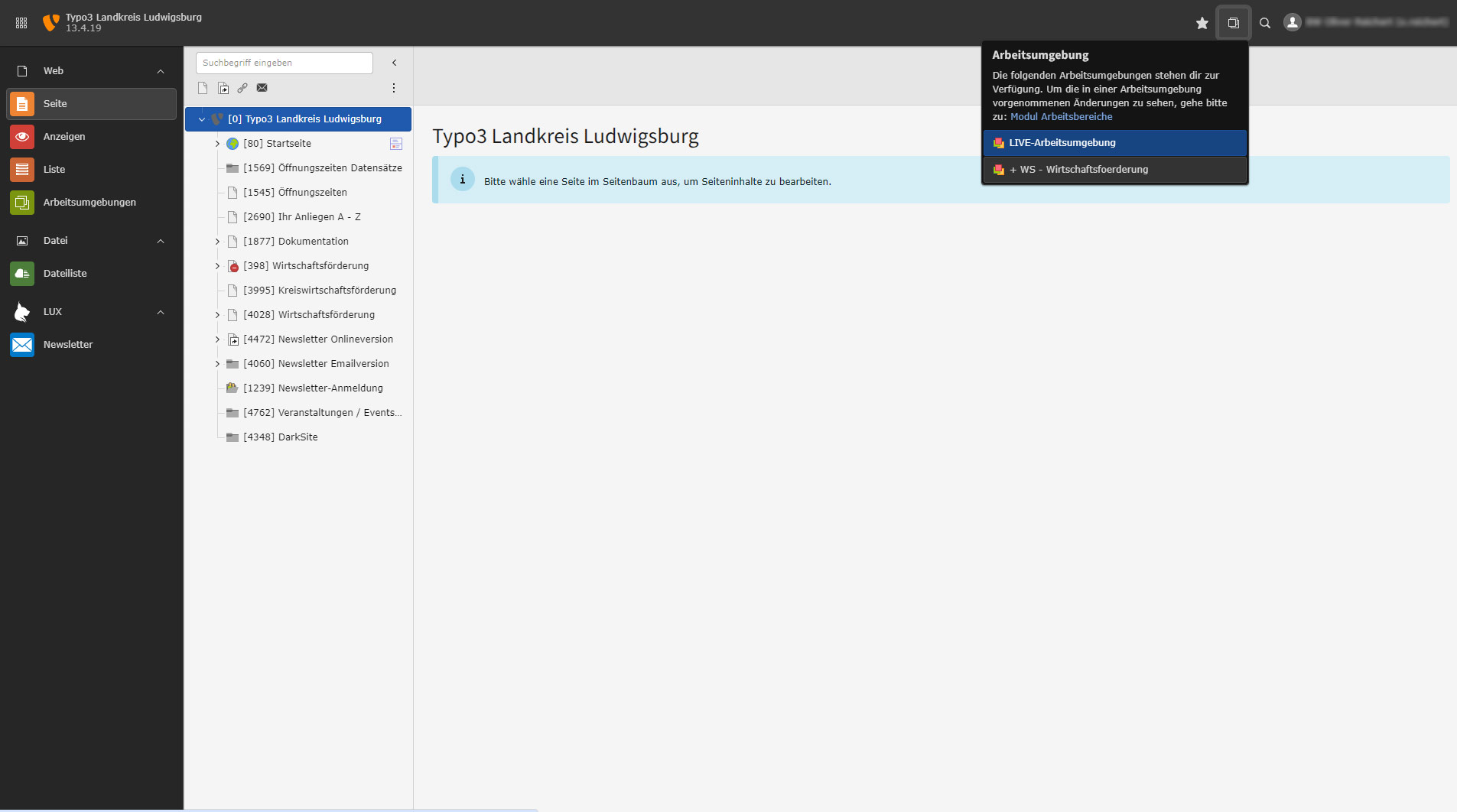
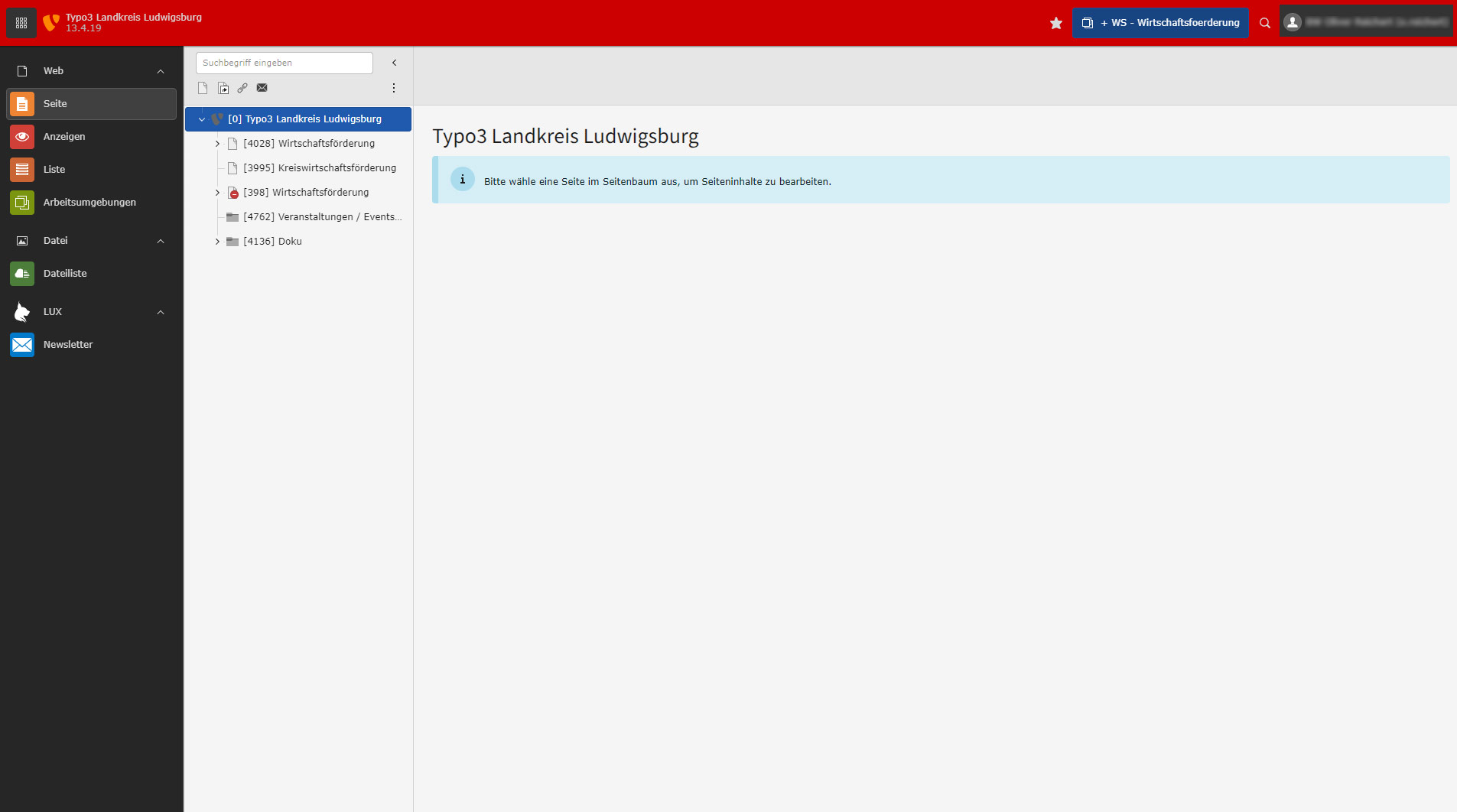
You can also switch directly between the light or completely dark view in the small window at the top right.
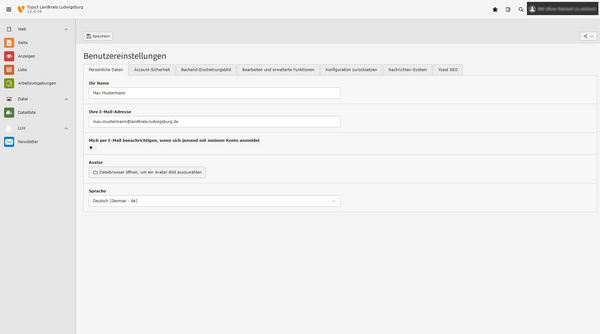
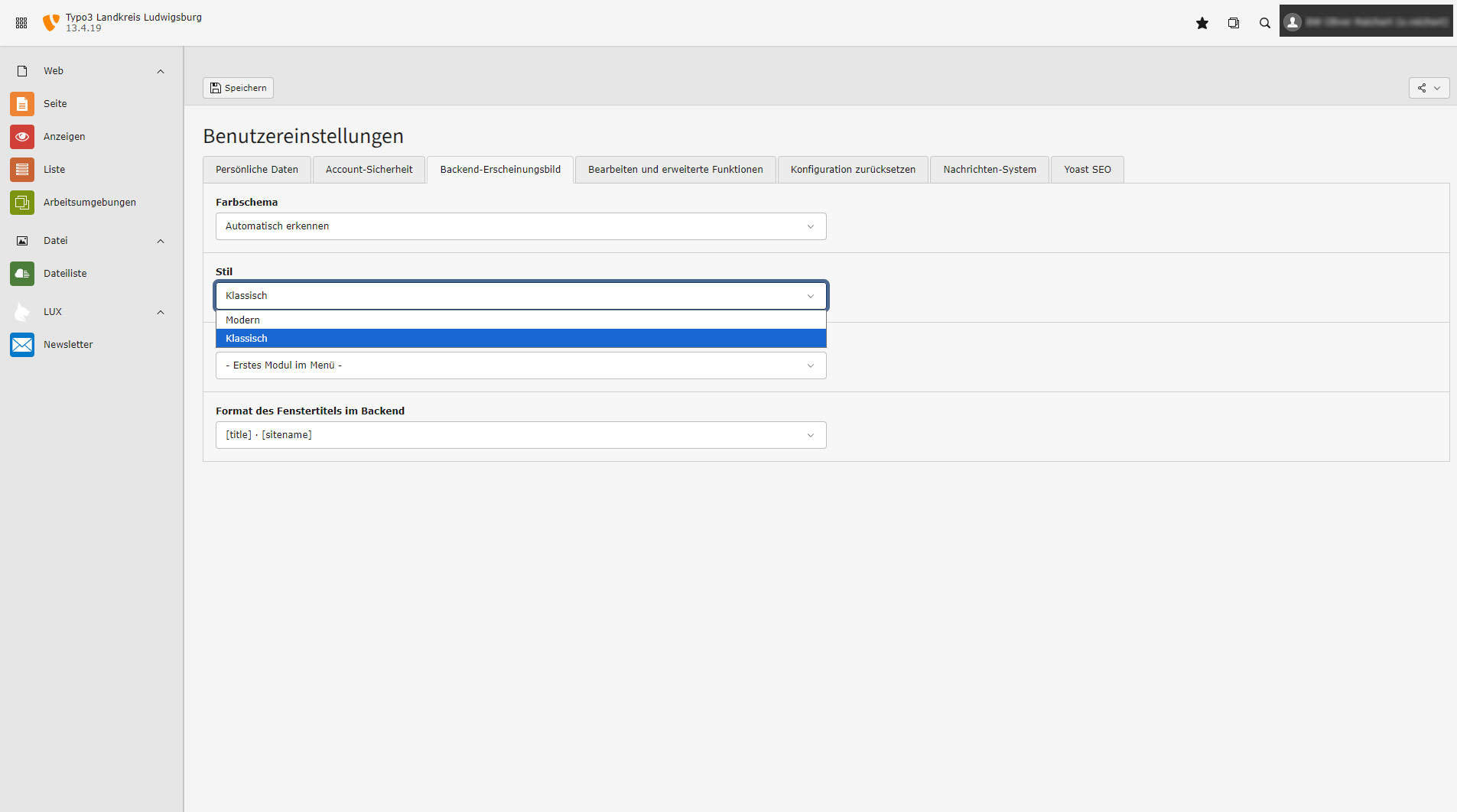
In the Backend appearance tab, you can switch to the classic view (left column dark, the rest light). After making your selection, click Save at the top.
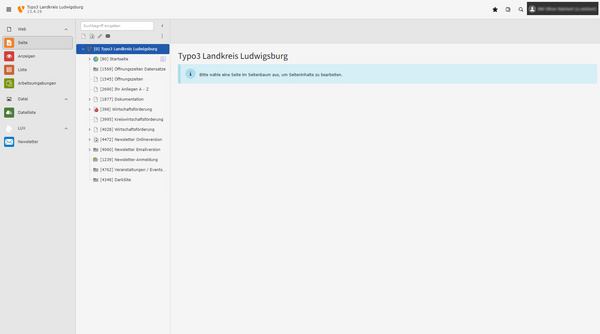
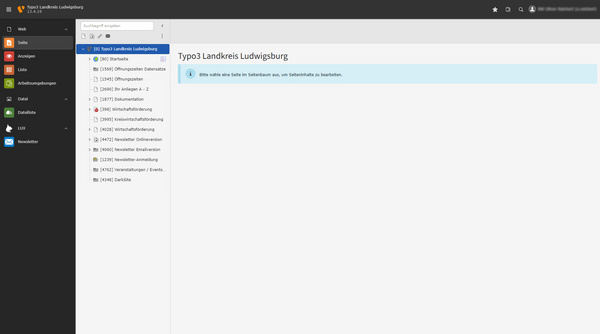
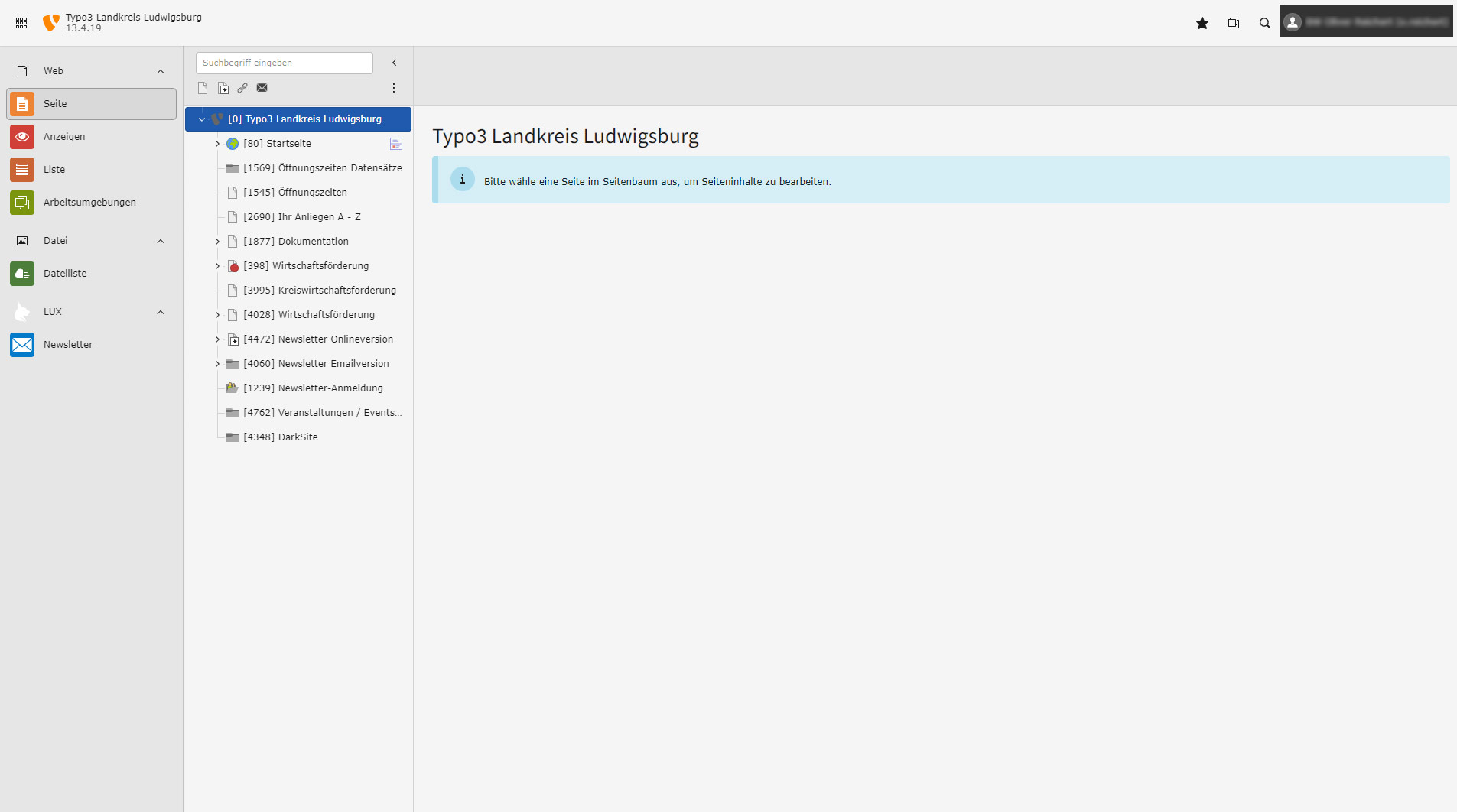
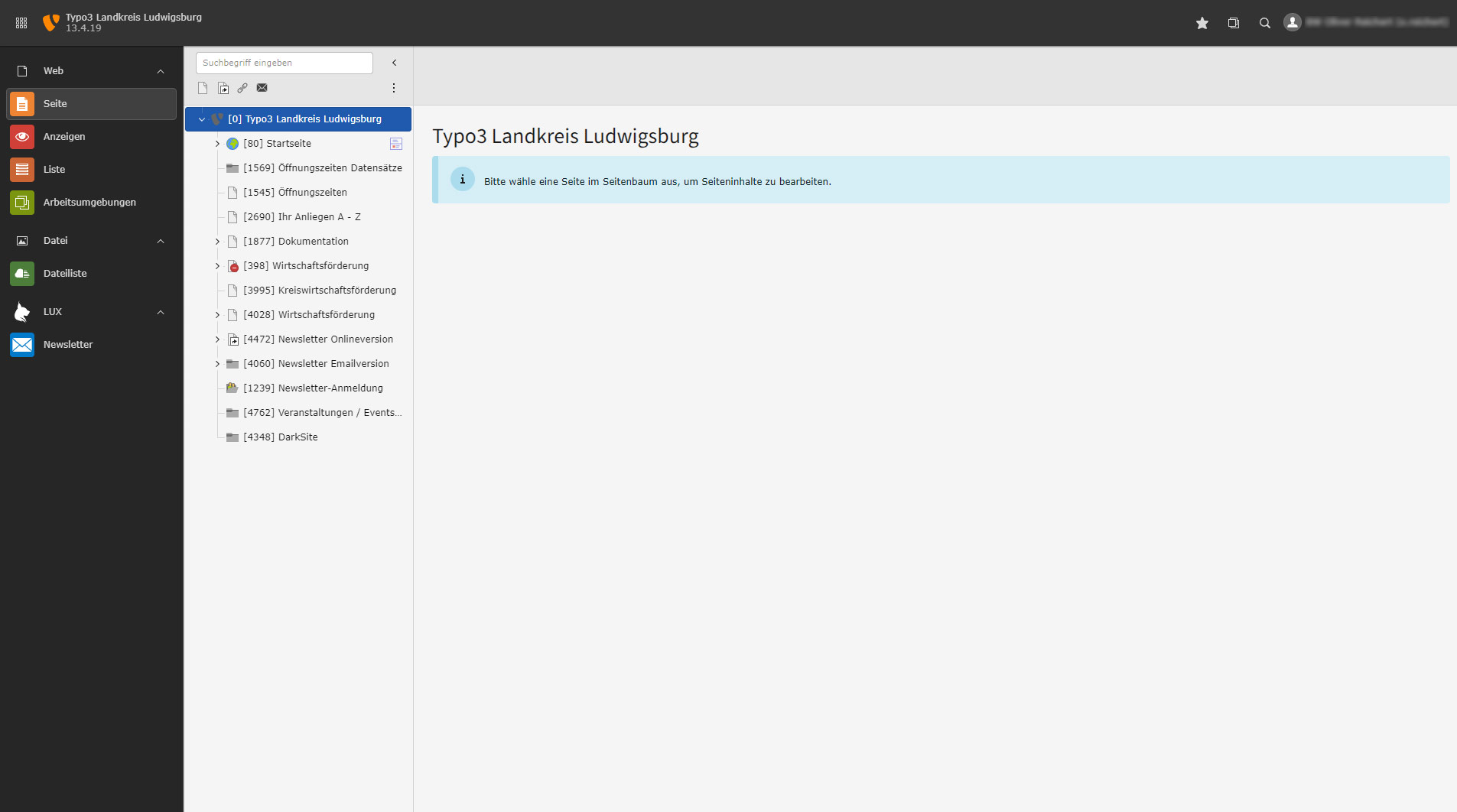
Click on Page in the left-hand column and you will be in the starting position.