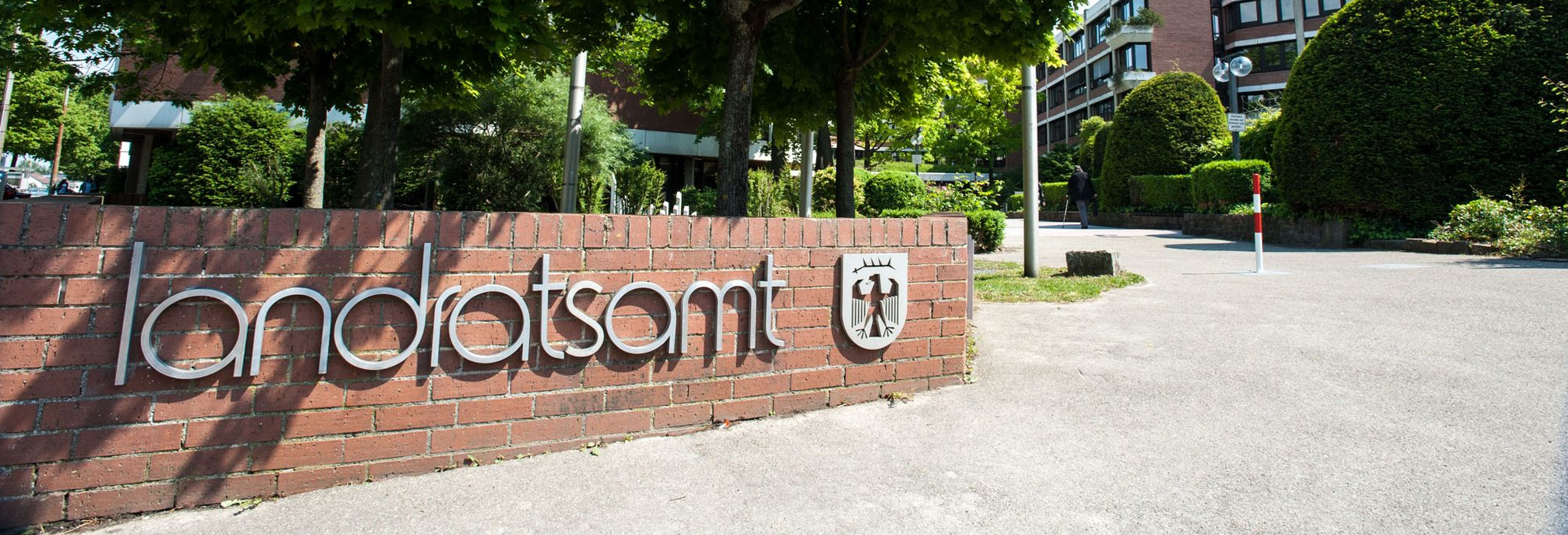




Header line

At the top of the start page is the header.
There you will see a round blue circle with three white lines in it.
If you click on this circle, the menu will open.
Here you can see the 6 main areas
- District office, district
- Environment, technology, climate protection
- Traffic, Safety, Order
- Social affairs, youth, family
- Health, Veterinary Services
- Education, art, archive
These are the over-topics. You can click on them.
Sub-topics then open up.
You can also click on the sub-topics.
Click on: District office, District
Here you will find news
and information about the district and the district office.
This includes
- district council
- District Administrator
- District administration
- Elections
- Europe
- Tourism and leisure
- Partnerships
- Economic promotion
Click on: Environment, technology, climate protection
Here you will find everything about
- waste
- Environmental protection and nature conservation
- Consumers, agriculture and steep slopes
- Forests
- Planning, building and housing
- Surveying and real estate cadastre
- Climate protection
- Trade supervision
- Maps online
Click on: Traffic, Safety, Order
Here you will find information on
- Motor vehicles and driving licenses
- Bus and rail
- Road construction
- Road traffic
- Bicycle traffic
- Asylum and refugee work
- Safety and order
- Population protection
Click on Social Affairs, Youth, Family
Here you will find the following topics
- Children and young people
- Care and senior citizens
- Disability and psychiatric experience
- Social affairs
- Single parents
- Job center
- Alliance for affordable housing
- European Social Fund
Click on Health, Veterinary services
Here you will find everything about
- Health
- Life Means
- Health
- Nutrition Center Mittlerer Neckar
Click on Education, Art, Archive
Here you will find the topics
- Schools
- Schiller adult education center
- Libraries
- District archive
- District Media Center
- Art in the district hall
- District anniversary
- Education region
Blue circles at the top right of the header line
You will find 5 blue circles with white symbols at the top right of the image.
You can click on these.
Click on the first circle
Here you will find information in plain language.
Click on the second circle with the hands
Here you will find information in sign language.
Click on the third circle
Here you can increase the contrast.
The opened page will be displayed in black and white
with maximum contrast.
Click on the fourth circle with the @
This takes you to the secure communication channels.
Click on the fifth circle with DE,
Here you can change the language.
Blue bar in header

In the blue bar in the header
you will find quick links.
These are pages
that are often needed:
- Vehicle registration
- Asylum
- Online services
- Careers
- Opening hours and contacts
Image with logo and search
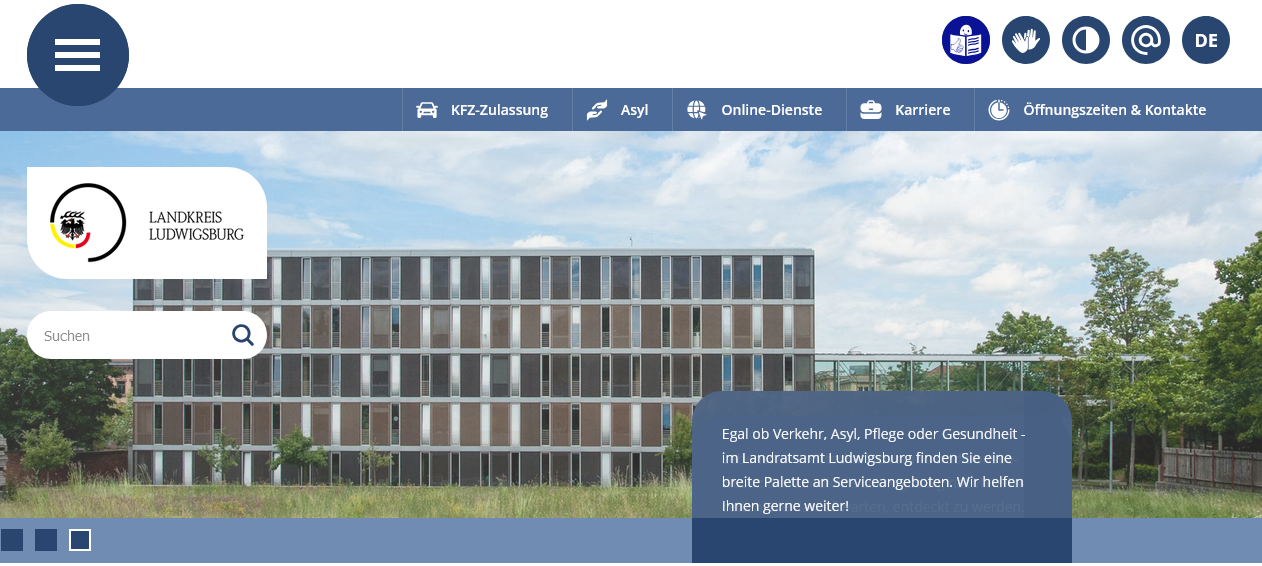
You will see a large image under the header.
The picture changes again and again.
On this picture you can see the logo of the district.
If you click on the logo, you will always be taken to the start page.
Below the logo is the search field.
Here you can enter a term,
if you click on the magnifying glass or Enter,
it will search for the term on the website.
Latest news
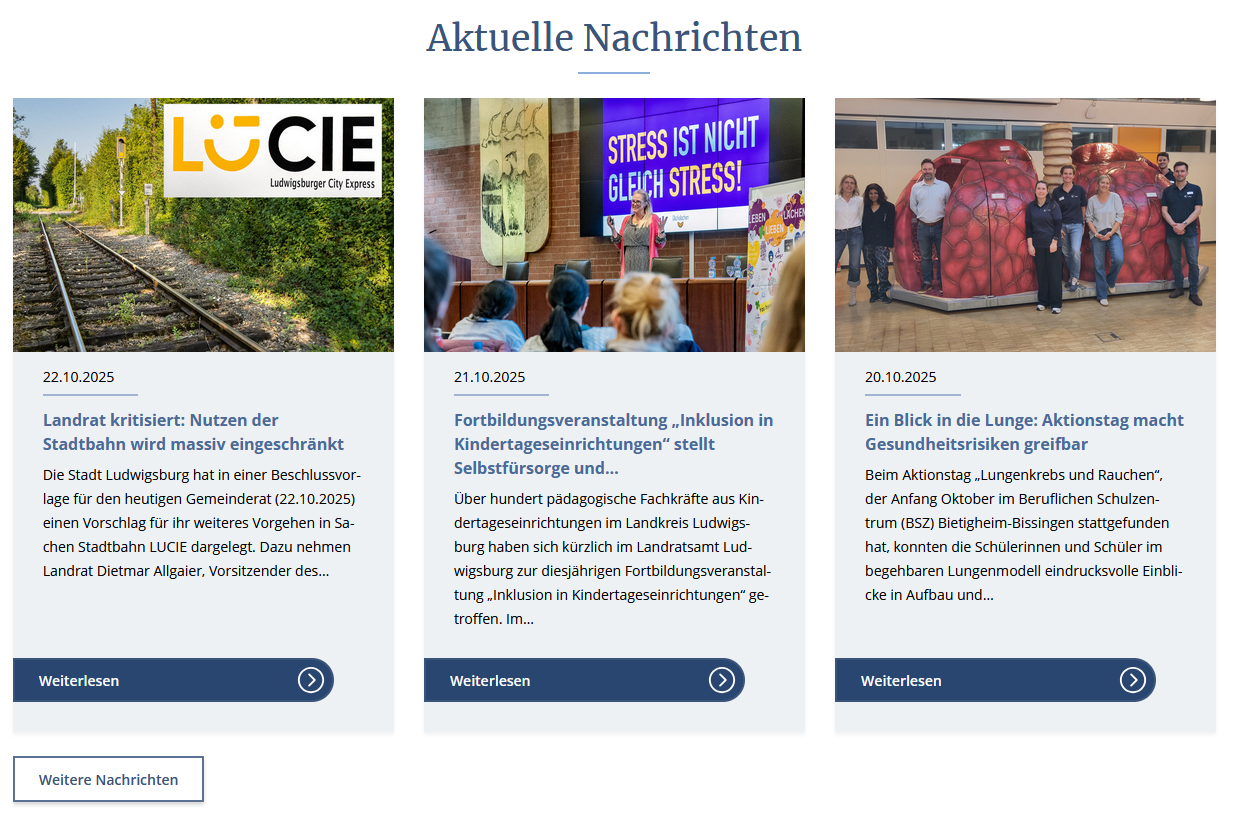
Below you can see on the start page
Latest news.
Here you will find the 3 latest media releases.
If you click on Read more next to a media release
you can read the full text.
Below the 3 latest media releases
is a rectangle More news.
If you click on it
you will get to all media information.
Central services
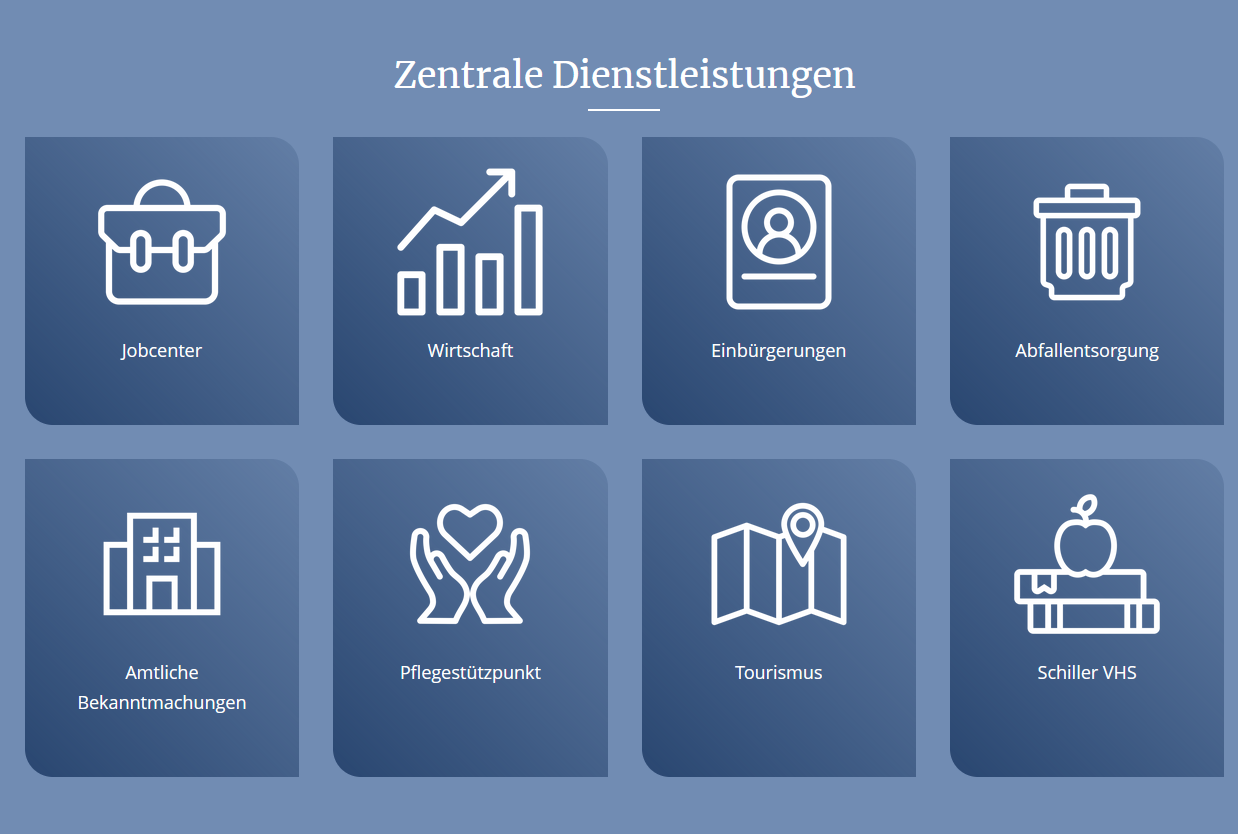
Below you will find the
Central services.
Here are 8 blue squares with white symbols.
You can click on these.
This will take you directly to the important services:
- Jobcenter
- Economy
- Naturalization
- Waste disposal
- Official announcements
- Care center
- Tourism
- Schiller VHS
Card with contact and bank details
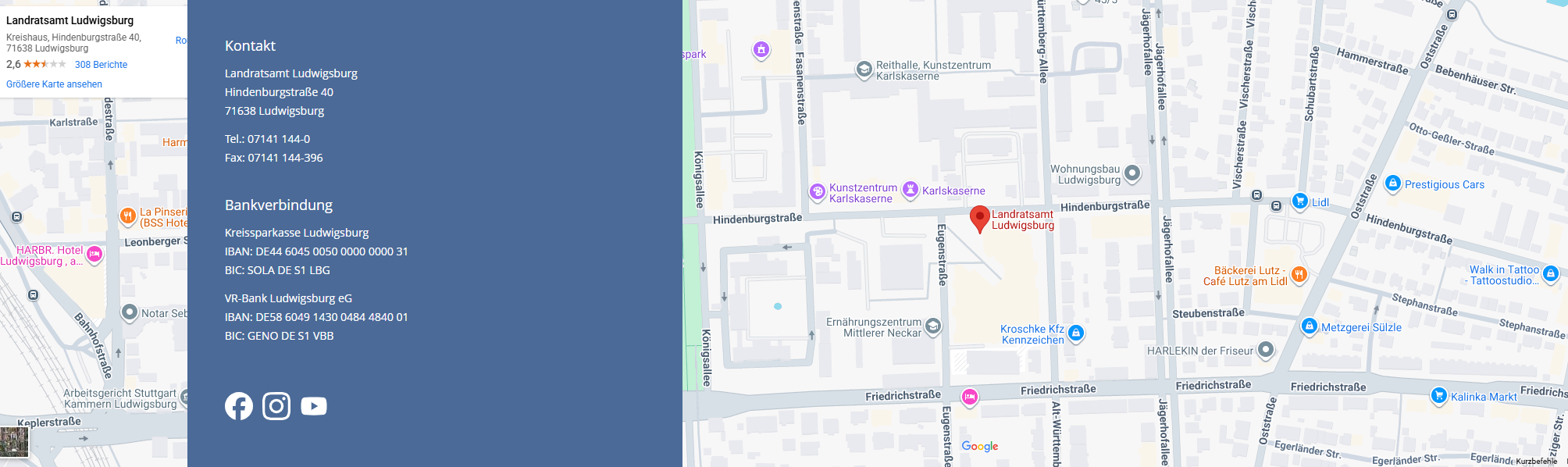
At the bottom of the start page
you will see a map.
On the map
you can see the location of the district administration office.
Here you will find the blue bar on the map
the contact and the bank details.
There are 3 white symbols under the bank connection:
If you click on the first symbol with the f
you will be taken to the Facebook page of the District Office.
The second symbol
will take you to the Instagram account of the District Office.
The third symbol
will take you to the District Office's YouTube channel.
Footer

Below the map
you will find the blue footer line.
This is the bottom line.
Here you will find central things:
- News
- Imprint
- Disclaimer
- Data protection
- WLAN user agreement
- Declaration on accessibility
- Operating instructions
- Contact us